PANDAS profiling-2.507.1215
- ARGOSLABS
| PANDAS profiling |
|---|---|
Author: Jerry Chae This plugin is based on the pandas profiling tool. |

| Input format |
|---|
Following 6 files can be used as input.
|
Output format |
| Only HTML file are supported as output. |
How to set parameters (properties and advanced).
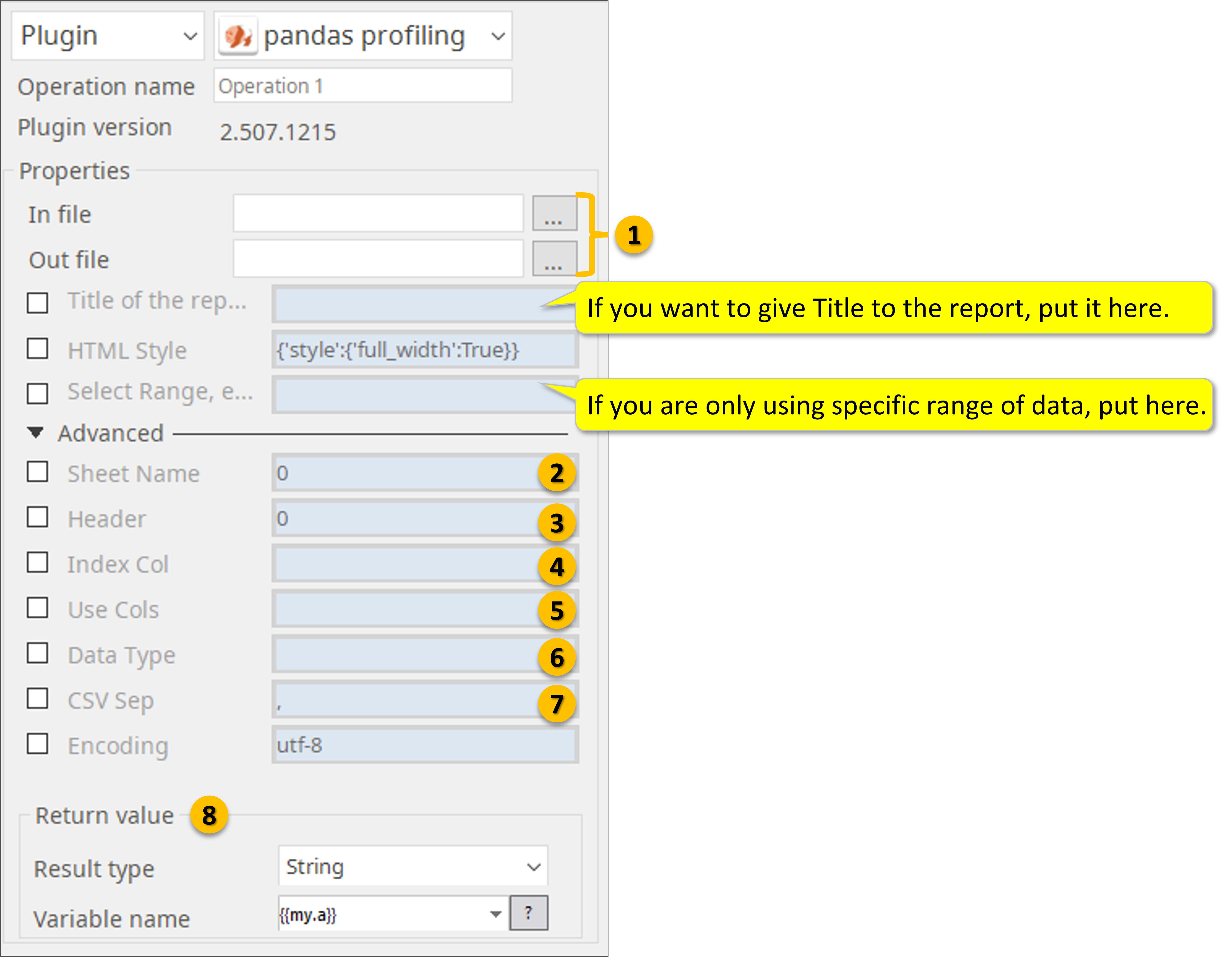
Specify file-path of input and output files. If you want give Title to the HTML report, put the Title here. If you wan to analyze a certain range from the data file specify here.
When reading Excel file, specify sheet name.
- Defaults to 0: 1st sheet as a DataFrame.
- 1: 2nd sheet as a DataFrame.
- "Sheet1": Load sheet with name “Sheet1”.
- [0, 1, "Sheet5"]: Load first, second and sheet named “Sheet5” as a dict of DataFrame.
- None: All sheets.
3. Specify what row you have the headers: Row (0-indexed) to use for the column labels of the parsed DataFrame. If a list of integers is passed those row positions will be combined into a MultiIndex. Use None if there is no header.
4. Column (0-indexed) to use as the row labels of the DataFrame. Pass None if there is no such column. If a list is passed, those columns will be combined into a MultiIndex. If a subset of data is selected with usecols, index_col is based on the subset.
5. If None, then parse all columns.
- If str, then indicates comma separated list of Excel column letters and column ranges (e.g. “A:E” or “A,C,E:F”). Ranges are inclusive of both sides.
- If list of int, then indicates list of column numbers to be parsed.
- If list of string, then indicates list of column names to be parsed.
6. Data type for data or columns.
E.g. {‘a’: np.float64, ‘b’: np.int32} Use object to preserve data as stored in Excel and not interpret dtype. If converters are specified, they will be applied INSTEAD of dtype conversion.
7. Delimiter to use. If sep is None, the C engine cannot automatically detect the separator, but the Python parsing engine can, meaning the latter will be used and automatically detect the separator by Python’s builtin sniffer tool, csv.Sniffer. In addition, separators longer than 1 character and different from '\s+' will be interpreted as regular expressions and will also force the use of the Python parsing engine. Note that regex delimiters are prone to ignoring quoted data. Regex example: '\r\t'.
8. Return Value stores the complete file-path of “Out File”.
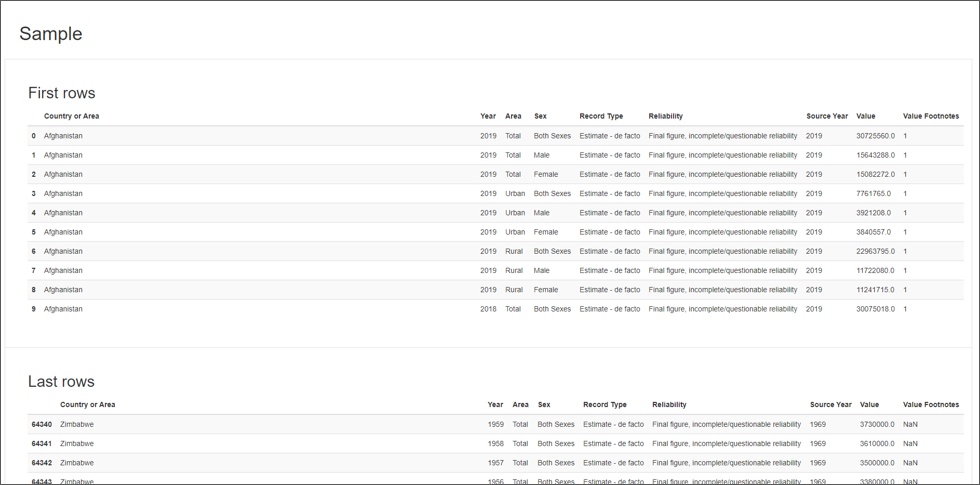
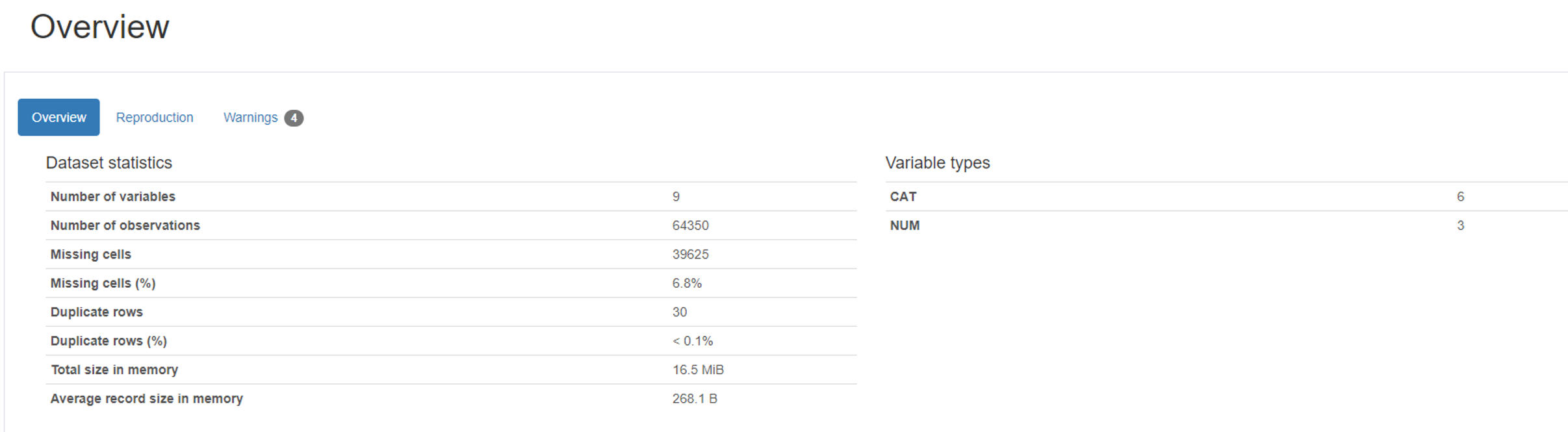
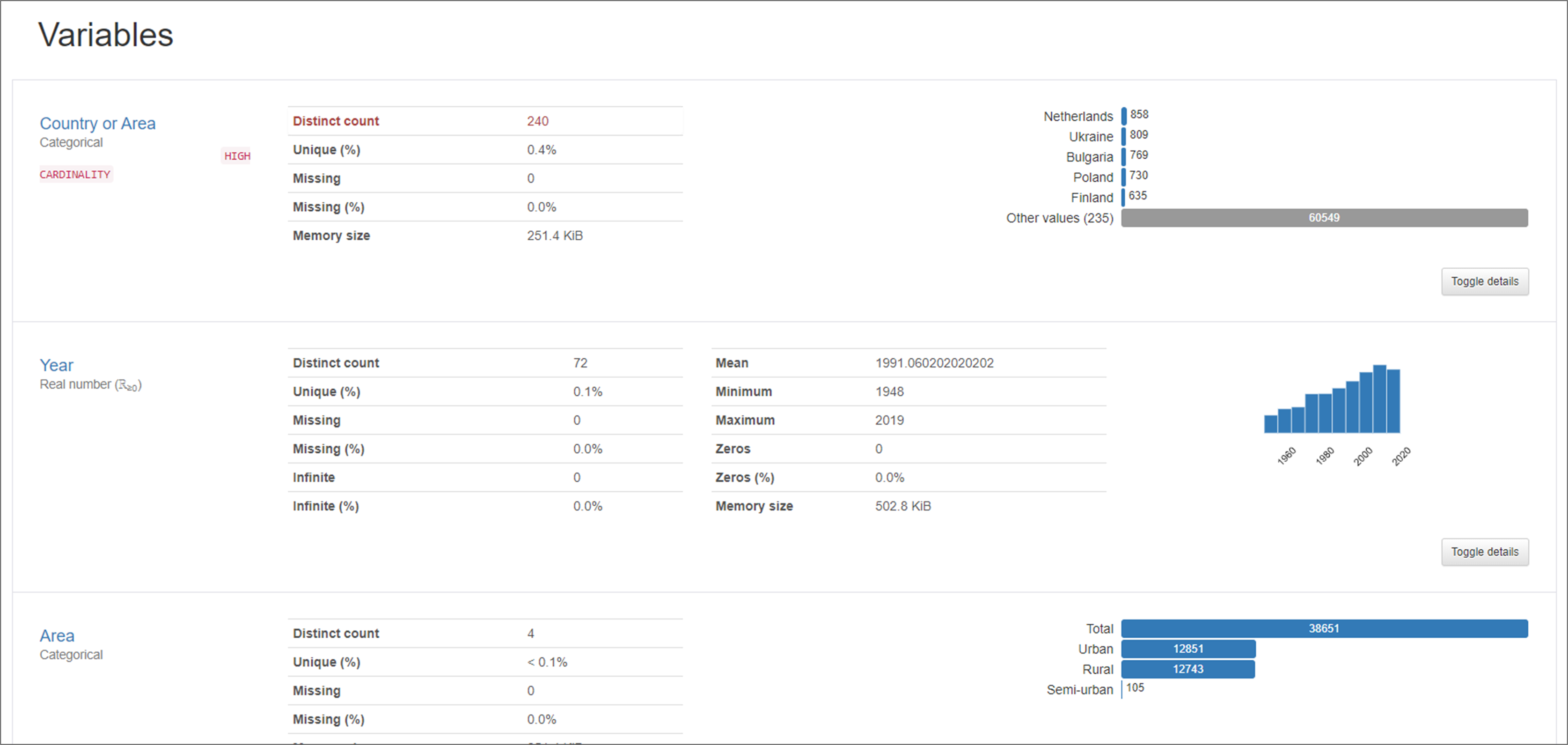
Output Examples
1)
2)
3)
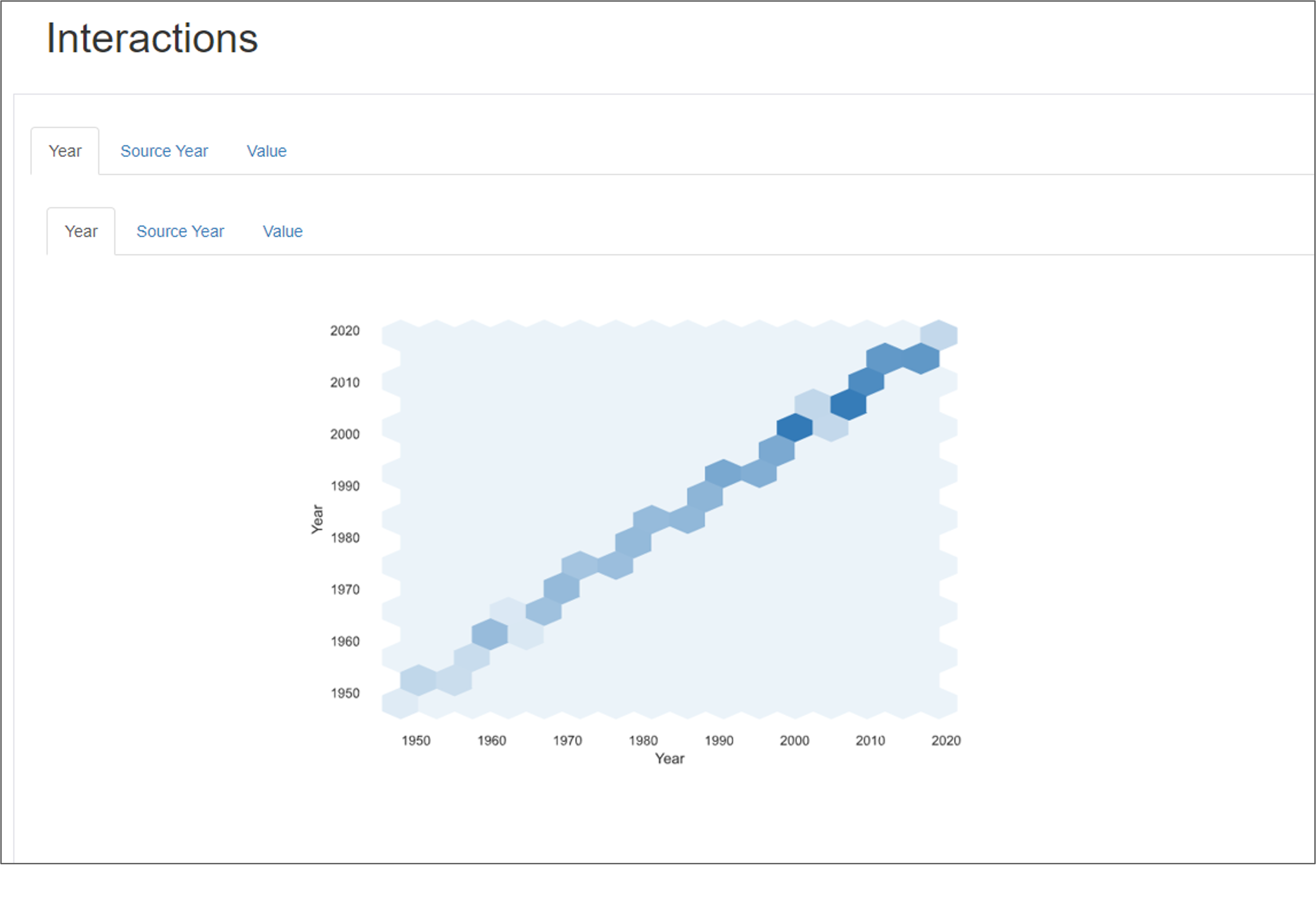
4)
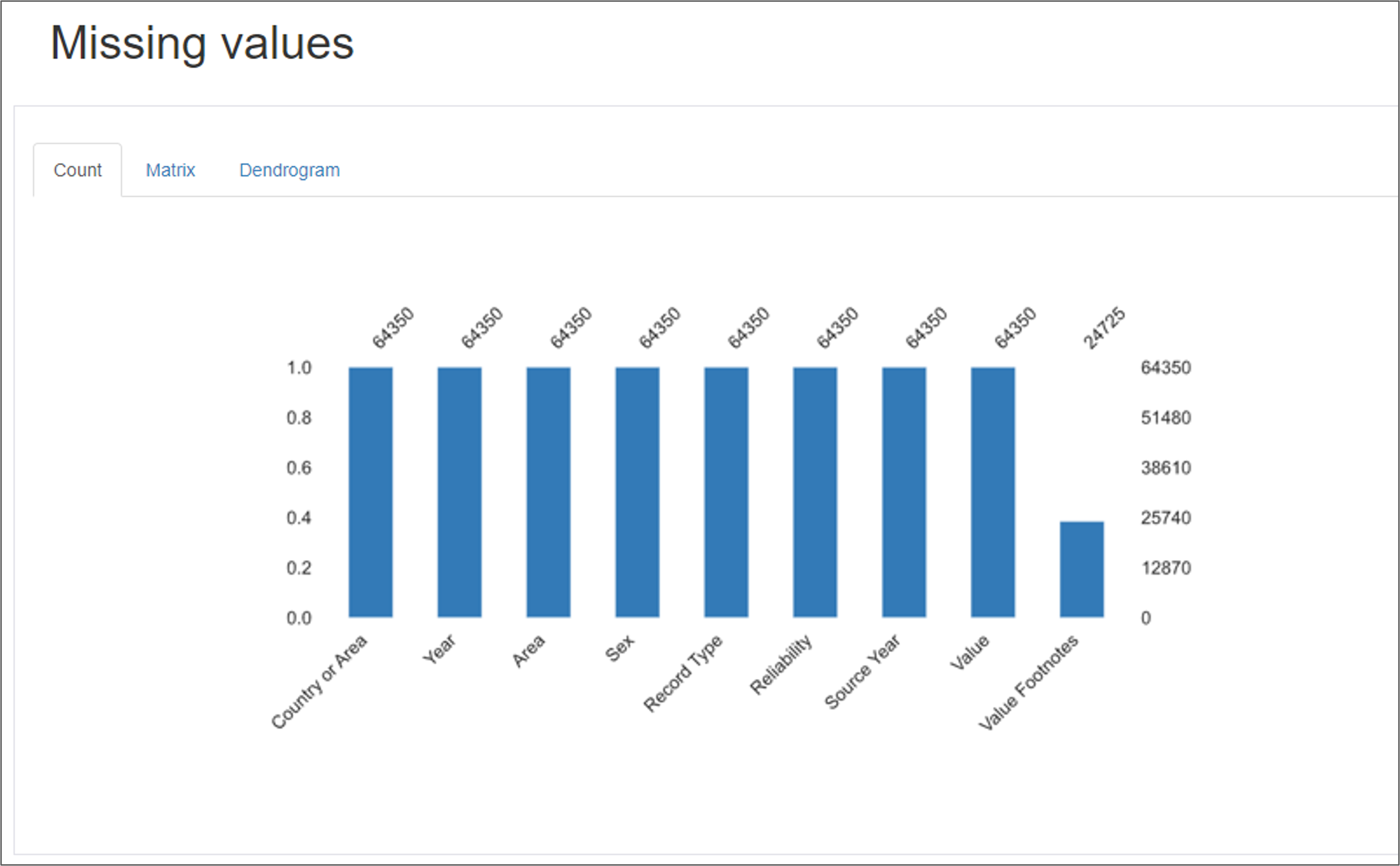
5)
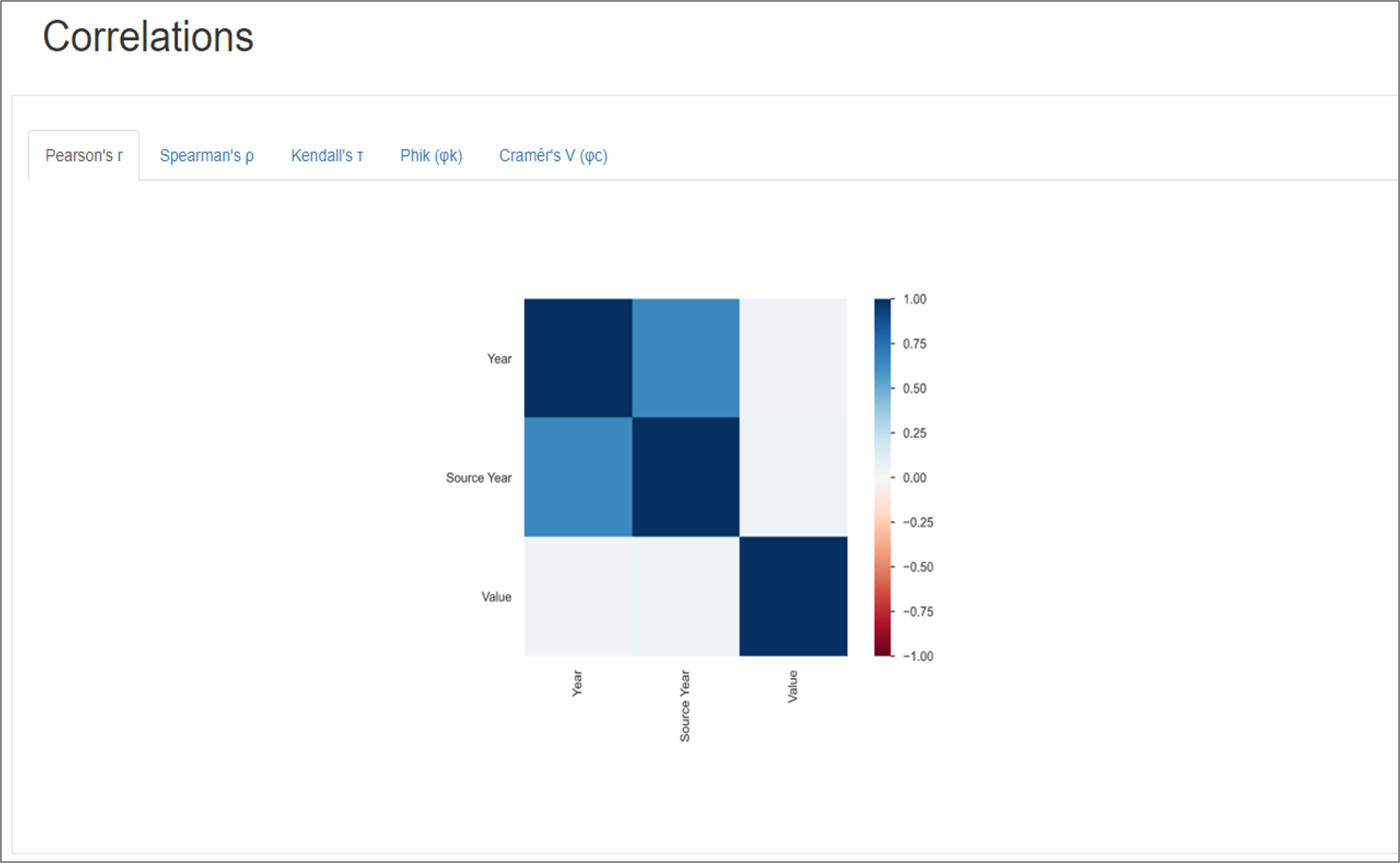
6)