PPTX Template-3.803.1930
- ARGOSLABS
| PPTX Template |
|---|---|
Author: Taiki Shimasaki Description This plugin uses regular PPTX (MS PowerPoint) file as templates and inserts texts and graphics. There are 3 types of templates downloadable from ARGOS LABS’ server. Use Cases – in-store sign generation This plugin was created by a request from a retail chain (Supermarket chain) in Asia to continuously and automatically generate in-store signs that reflect updates in the merchandise master Excel sheet. |

Limitations regarding the text/image boxes (placeholders)
 Read carefully or the plugin does not work
1) Please do not remove any of the text and image boxes from the template. When you do not need any of the text/image boxes please hide them by making them transparent of behind other objects.
2) Please do not change Front/Back order of the text/image boxes. The boxes are arranged in ascending order from text then to images from front to back. As an example, in 10 x 10 template Text 1 is at the front of all boxes and Image 10 is situated at the back of all boxes.
Input (Required)
- Template choice – x3, x6, or x10
- Template file path
- Output file name and path
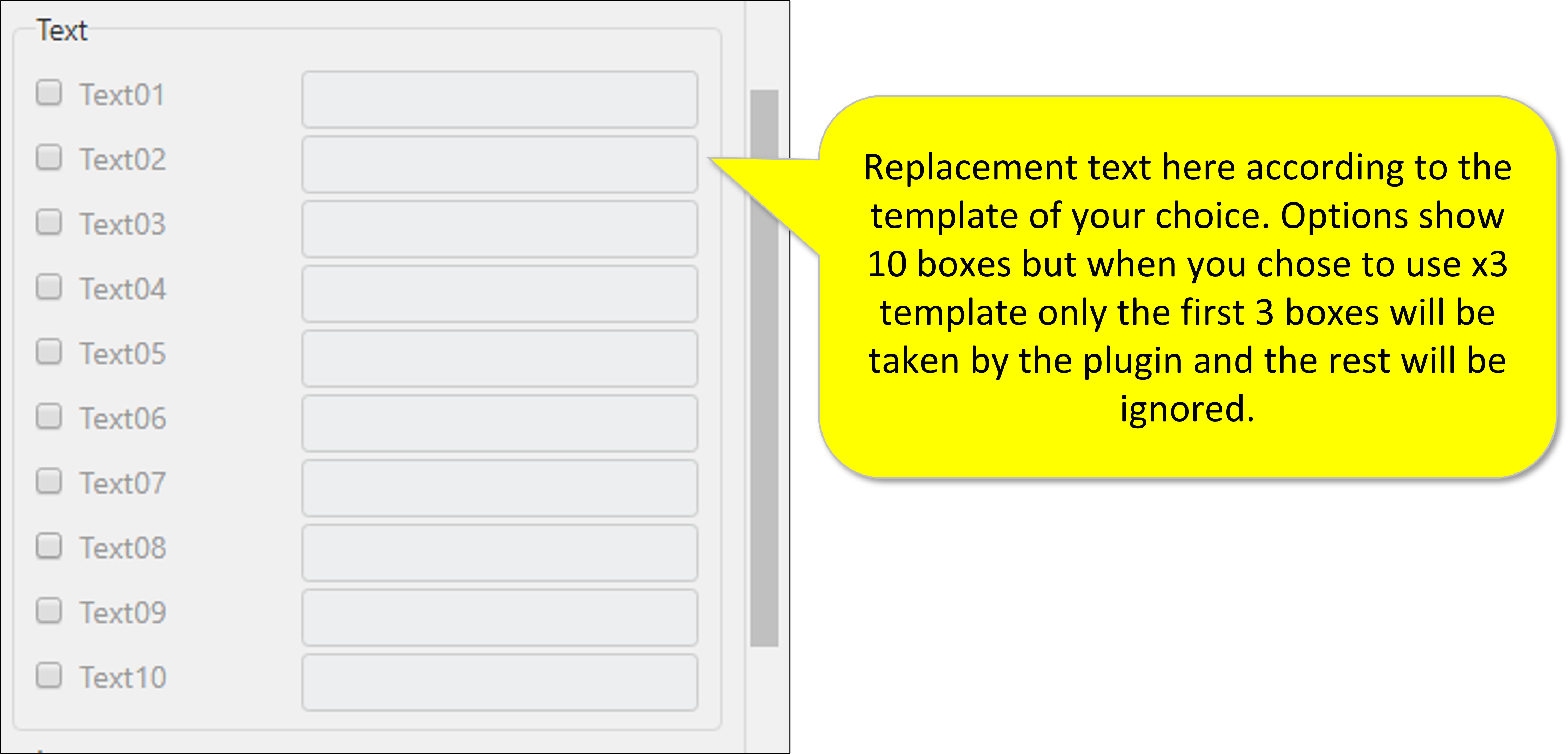
- Texts (String) according to your template
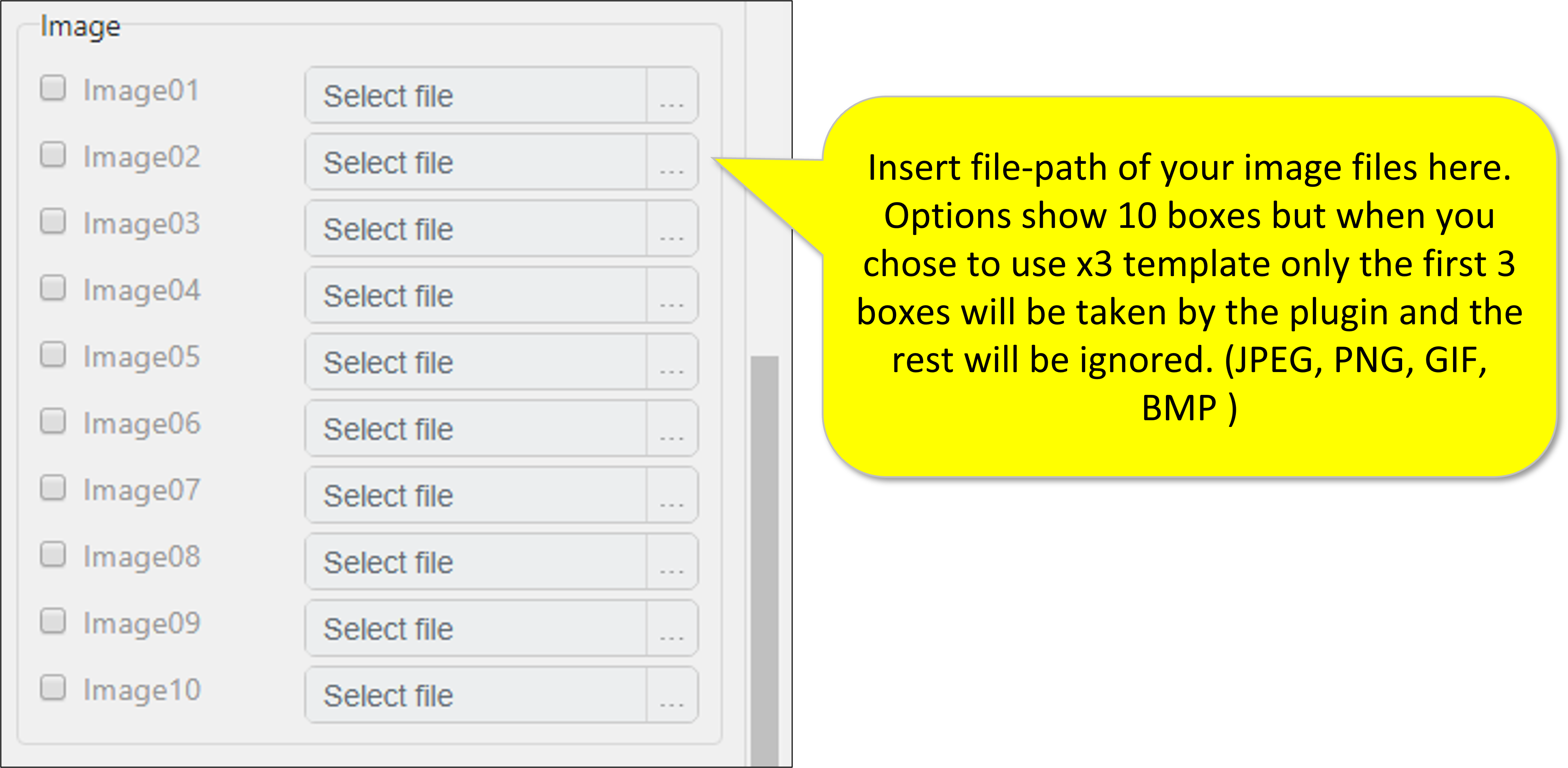
- Images (File) according to your template
- You can use file types of JPEG, PNG, GIF, BMP
Input (Optional)
- File name checker
Output/Return Value
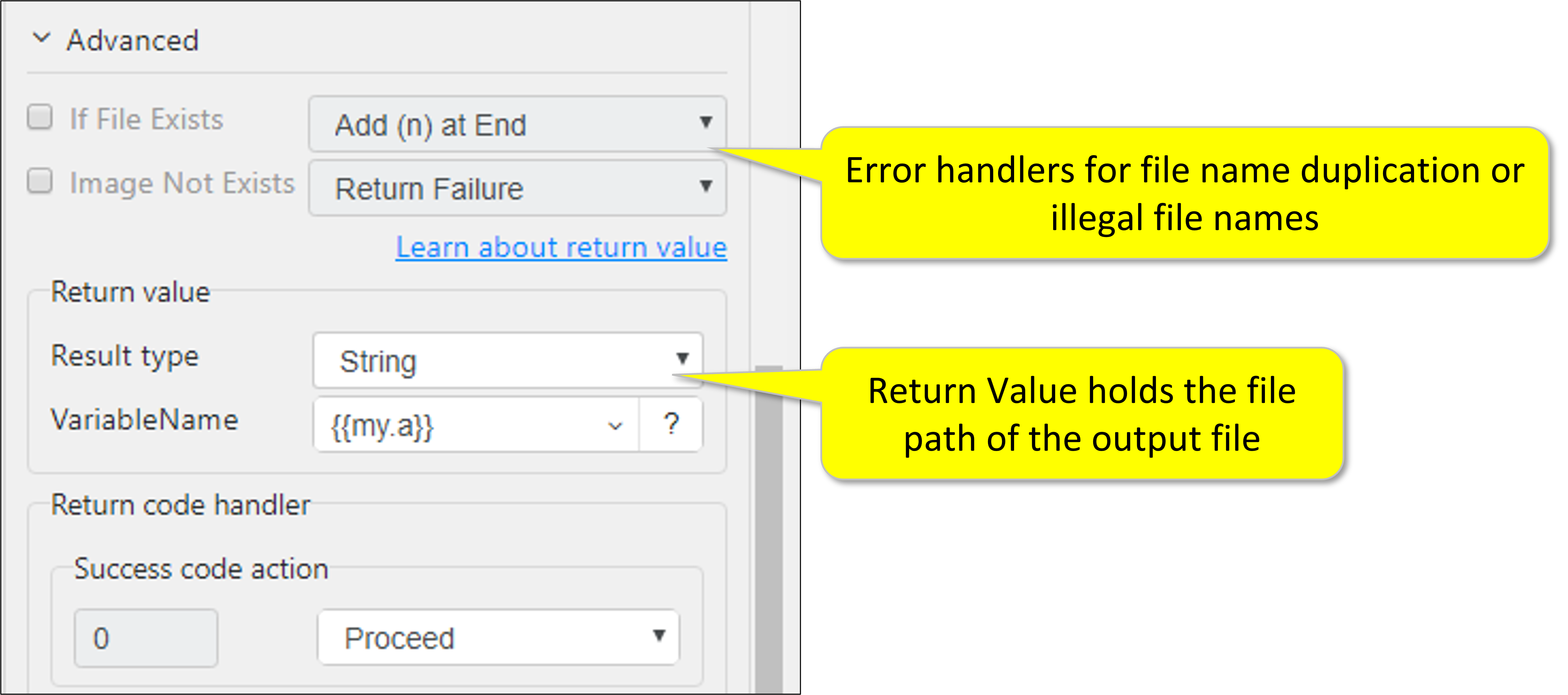
Return Value
String Full file path for the output file
Csv Full file path for the output file
File Full file path for the output file
Return Code
0 Execution Successful
1 Erroneous inputs
Parameter Settings